Product designer
You have a finished-looking GLB but need to choose how the part will separate from a two-piece mold.
Mark a candidate parting line and identify overhangs before refining the design.
Mold design workflow
Use glb to mold online as a planning workflow: start with the shape in your GLB, then describe the cavity, parting line and material you need. A mold concept still needs checks before fabrication.
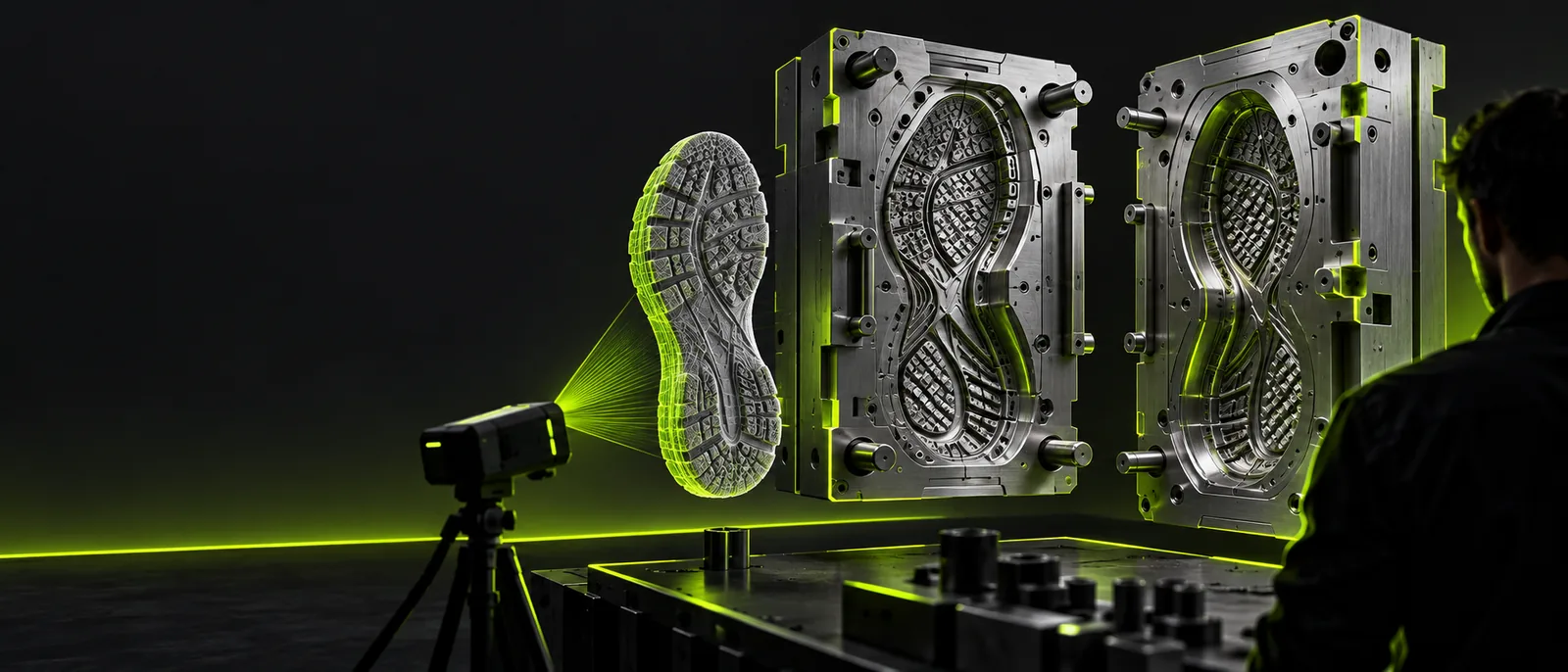
The browser is a convenient place to organize the job, but the GLB is only a description of the part. These related guides help you inspect or prepare that reference.
Different jobs expose different gaps between an online 3D reference and a mold that can be made and released.
You have a finished-looking GLB but need to choose how the part will separate from a two-piece mold.
Mark a candidate parting line and identify overhangs before refining the design.
The mesh has gaps or overlapping surfaces that make the intended cavity unclear.
Inspect the geometry and repair the reference before using it in a mold brief.
A print service asks for a mesh format suited to its preparation workflow.
Check whether a separate geometry export is needed after the mold design is finalized.
A teammate needs an editable reference to discuss surface changes before tooling.
Agree on the model geometry first, then specify the mold around the approved part.
Treat the online step as design preparation rather than an automatic guarantee of a manufacturable tool.
Check the GLB for missing faces, disconnected pieces, thin features and surfaces that could trap the part. Record its intended physical dimensions; a screen preview alone does not establish them.
Specify the material to be cast, the mold material, the likely split direction and where a pour gate might sit. Call out detail that must survive casting.
Use the design destination to explore the brief, then verify any resulting geometry and its available outputs. Test clearance, release and fabrication requirements in an appropriate modeling workflow.
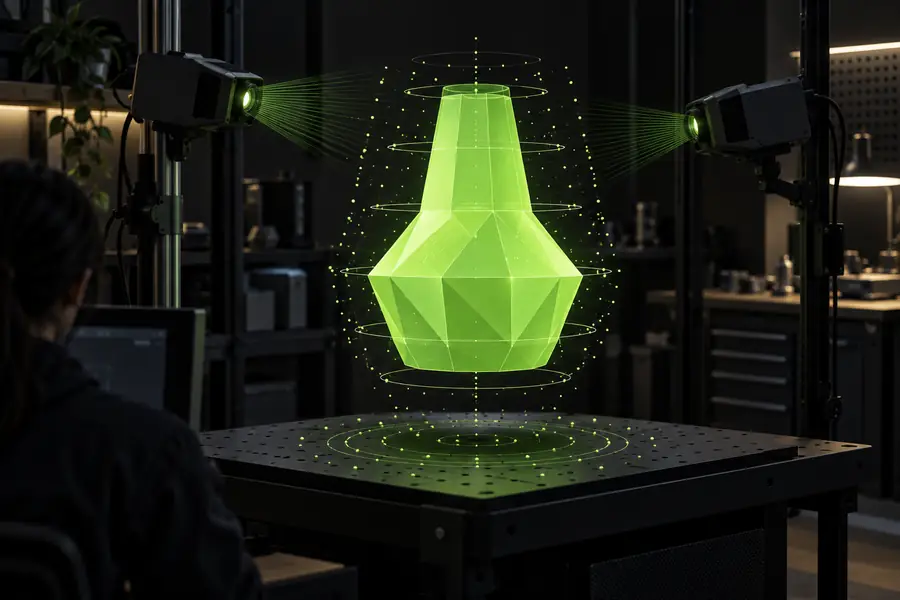
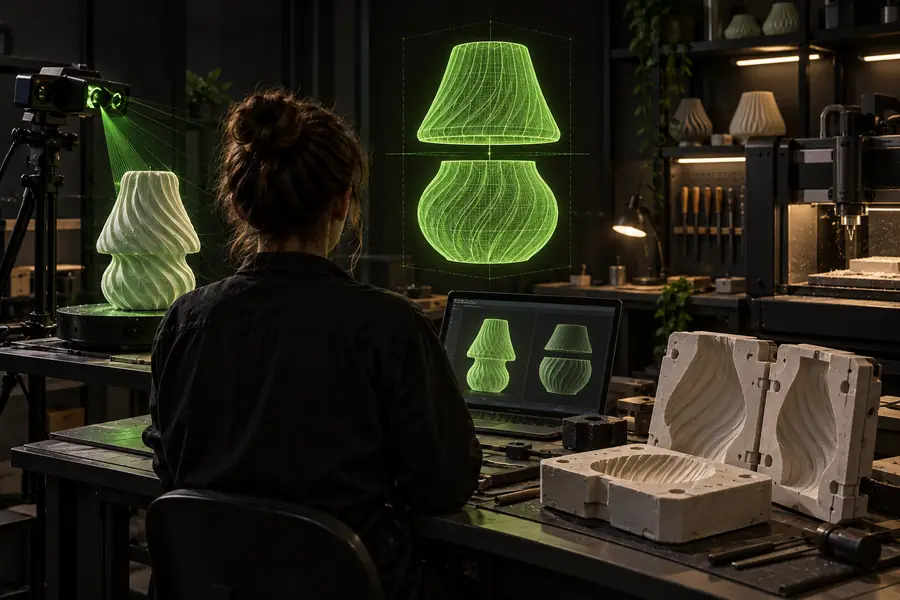
These illustrations show different design roles, not a verified conversion or a matched before-and-after output. The mold must account for material surrounding the part, a way to open it and a way to fill it.
Part referenceMold concept| GLB part reference | Mold design brief | |
|---|---|---|
| Primary shape | Visible part surfaces | The negative cavity around those surfaces |
| Parting line | Not inherently defined | Chosen to allow the part to release |
| Pour path | Not inherently defined | Gate and possible vents to plan |
| Dimensions | Must be checked against the intended scale | Must match the physical part and process |
| Material behavior | Appearance does not establish casting behavior | Shrinkage and flexibility need consideration |
| Fabrication | A reference file, not an approved tool | Requires geometry and process validation |
An online concept can make decisions easier to discuss, but it cannot replace inspection of the actual mesh or a physical process check.
A GLB may contain open, overlapping or decorative geometry. A plausible-looking concept does not prove the cavity is closed.
What to do instead
Inspect and repair the mesh in a modeling tool, then check the proposed mold solids.
Undercuts can lock a rigid part in place, even when a split looks reasonable on screen.
What to do instead
Evaluate the pull direction, draft and any need for flexible mold material or additional pieces.
The reference alone does not establish fit, shrinkage allowance or the resolution of the chosen fabrication process.
What to do instead
Confirm scale and tolerances with the material and fabrication method before making a tool.
The destination’s accepted inputs and available output formats must be checked there; this page cannot establish that it imports your GLB or exports a finished mold.
What to do instead
Keep your source file and requirements ready, and verify the destination’s options before relying on it.
Bring your part description, intended material and likely split direction to Glbtomold’s design destination. For glb to mold online, use the result as a starting point for review—not as proof that a tool is ready to fabricate.
You can plan a mold concept using a GLB as a reference, but a usable physical mold requires more than a visible part shape. Check the destination’s input options, then validate the cavity, release direction and fabrication details before making anything.
Usually, a GLB describes the part or scene rather than a negative cavity. The surrounding mold body, split, gate and vents must be designed separately.
Check that the intended part is present at the correct scale and that its geometry has no obvious gaps or overlapping surfaces. Note any thin areas or undercuts, since they can affect molding and release.
Do not assume a particular export format or a finished, validated mold. Check the destination’s current capabilities and inspect any resulting design in tools suited to your fabrication method.