Glbtomold
Add Model
English

Mac workflow comparison

Finding a glb to mold alternative mac users can evaluate

The best route depends on whether you need to edit an existing GLB precisely or explore a mold concept. Compare a local Blender workflow with a browser-based starting point before committing to either.

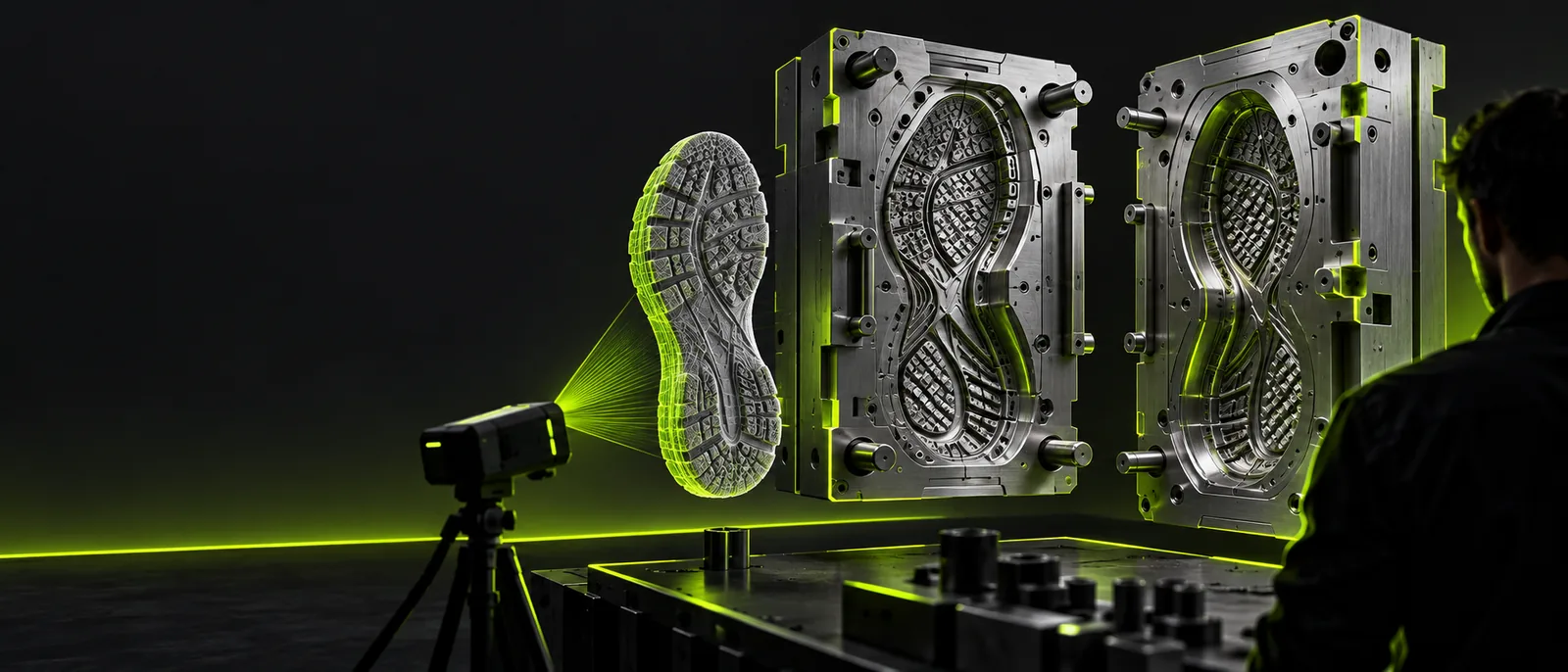
Glbtomold landing visual showing a three-dimensional mold concept

Quick verdict

Verdict first: choose by the job you need to finish

For a controlled mold derived from an existing mesh, start with a local editor. For early visual exploration, a browser-based studio may be worth evaluating, but confirm its actual file and export options first.

Product designer with an existing GLB

You need the cavity to follow a specific part, with measurable clearance and a defined parting line. A Mac running Blender gives you direct access to the source mesh and its geometry.

Use local editing for the mold construction, then inspect the finished solids in a CAD or fabrication workflow. This is the stronger route when dimensional fidelity matters.
how to import glb files into blender

Concept artist testing a shape

You want to communicate what a mold might look like before spending time repairing topology. Visual exploration can help settle proportions, even though an attractive image is not a manufacturable cavity.

Evaluate the browser-based studio as a concept step, and keep the original GLB for later geometry work.

glb to mold online

Maker preparing a printable prototype

Your next check is whether a solid can be sliced, not whether a render looks convincing. Mesh repair, wall thickness, alignment features and a test print belong in the workflow.

Work from verified geometry and check the target format separately before preparing a prototype.

glb to stl

Team reviewing an unfamiliar asset

Someone has supplied a GLB, but its scale, embedded materials and mesh structure are unknown. Those details can change how much preparation a mold needs.

Inspect the source file before choosing either route; understanding the container avoids treating every GLB as a ready-to-cast solid.

what is a glb file

Decision checks

Dimension by dimension: compare the work, not just the interface

A useful glb to mold comparison separates the source asset, the cavity design and the deliverable. No single preview proves that all three are ready.

  1. 1

    Inspect the source geometry

    On a Mac, import the GLB into a local editor and check scale, disconnected pieces, open edges and surface direction. For a browser-based option, verify whether the destination accepts your source file at all. If it does not, treat that option as concept exploration rather than GLB conversion.

  2. 2

    Plan the negative space

    Decide where the mold separates, how the object will release and whether it needs vents, keys or a pouring channel. In Blender, these become explicit modeling tasks. In a visual studio, a plausible mold image is a design reference, not evidence that those features exist as usable solids.

  3. 3

    Validate the intended output

    For fabrication, check dimensions, minimum walls, closed surfaces and the file requirements of your next tool. For a design review, label any visual as a concept. That distinction keeps a glb to mold project from moving to printing or casting on appearance alone.

Side-by-side

Migration path: what changes between local editing and a browser studio

This table compares a manual Blender route with evaluating Glbtomold’s linked studio. It does not assume that the studio imports GLB files or exports mold-ready geometry.

Blender on Mac Browser-based studio evaluation
Starting point Import the existing GLB and inspect its meshes. Open the linked studio and check its currently available inputs before using an existing asset.
Best-fit task Edit source geometry and construct a cavity with explicit modeling operations. Explore a visual direction or assess whether its available tools fit your concept.
Parting line Place and revise it directly in the model. Do not infer a functional parting line from a visual preview.
Dimensional checks Measure the model and verify units within the editing workflow. Confirm whether suitable measurement and geometry controls are available; do not assume them.
File handling Keep the source on your Mac while working locally. Review the destination’s current upload, retention and privacy information before sharing a file.
Learning effort Requires mesh inspection and hands-on mold modeling. May be useful for exploring an idea, but still requires checking what the resulting asset can do.
Handoff Export only after checking that the solids satisfy your next tool’s requirements. Check available output options at the destination; a concept visual is not a fabrication handoff.

Visual comparison

See the design direction without mistaking it for validation

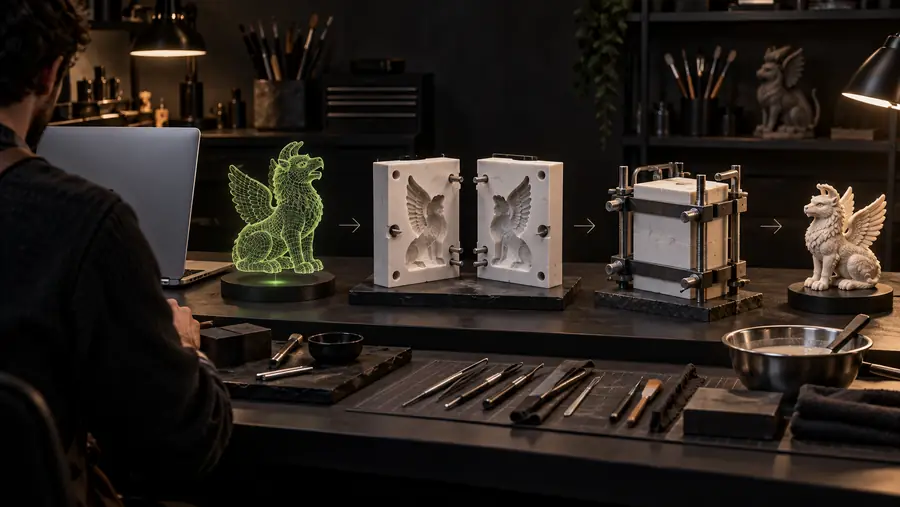
Illustration of a Mac workflow comparison for a GLB-based mold project
Workflow decision
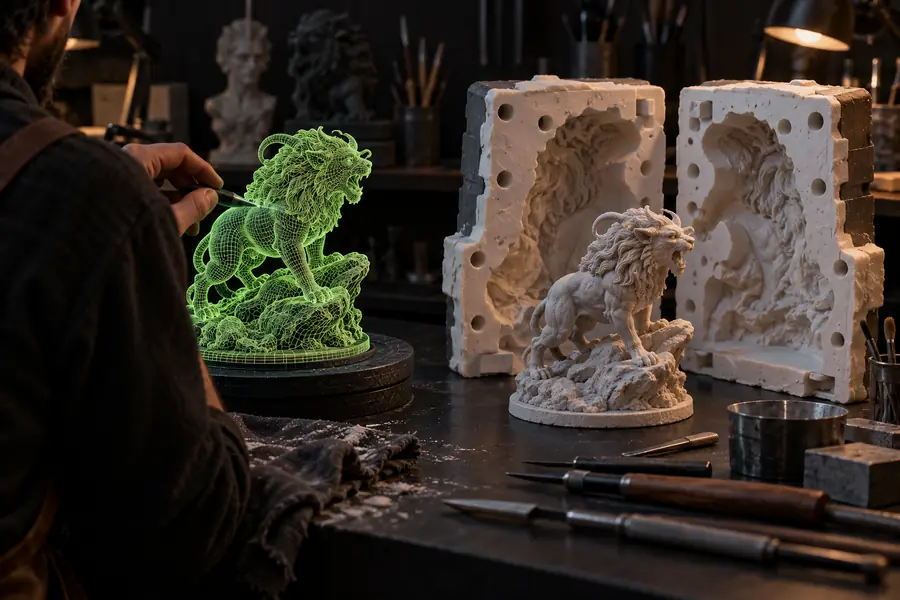
Illustrative geometric pendant mold concept
Illustrative mold concept

These are illustrative visuals, not a documented conversion of the pictured GLB into a measured, watertight mold. Check the underlying geometry before manufacturing.

Workflow decisionIllustrative mold concept

Honest limits

What this comparison cannot settle for your model

A glb to mold plan becomes reliable only after checks on the actual asset and intended process.

1

It cannot certify an automatic conversion

This page does not establish that the linked studio accepts GLB uploads, creates a negative cavity or supplies a mold-ready export. Features and available controls must be verified at the destination.

What to do instead

If you must derive a cavity from an existing mesh, use a local geometry workflow until the required input and output are confirmed.

2

It cannot choose a safe parting line

Undercuts, flexible materials and release direction depend on your part and casting method. A convincing preview cannot show whether the finished object will leave the mold intact.

What to do instead

Review the part from several directions and prototype the separation before committing to a final tool.

3

It cannot validate a production file

Neither a rendered concept nor a file extension alone proves correct scale, closed surfaces, adequate walls or printer compatibility. Those checks belong to the actual output geometry.

What to do instead

Inspect the exported solid in the software used for fabrication and run a small physical test where practical.

Next step

Continue with the route that matches your goal

If you are still deciding how a mold should look, visit the linked studio and inspect its current capabilities. If you already have a GLB that must become a dimensionally controlled cavity, keep your Mac modeling workflow in the loop. Either way, separate visual approval from fabrication approval.

Explore a mold concept, then verify the geometry

  • Check supported inputs before sharing an asset
  • Keep the original GLB available for geometry work
  • Validate any fabrication file in its next tool
Explore mold concepts

Common questions

Comparison FAQ for Mac mold workflows

Blender is a practical local route when you need to inspect an existing GLB and model a cavity around it. It takes manual geometry work, including decisions about the parting line and release. A browser-based studio can be evaluated for concepts, but check its actual input and output capabilities before treating it as a substitute.

That depends on what the job requires and what the destination currently supports. Visual concept work and measured mold construction are different tasks. If you need a cavity that follows a supplied mesh, confirm GLB input, geometry controls and usable export before changing workflows.

Not necessarily: Blender can import GLB files through its glTF import support. Inspect the imported scale and mesh structure rather than assuming the file is a single printable solid. Convert formats only when a later application requires a different one.

Check the actual geometry for closed surfaces, dimensions, wall thickness, separation and any required alignment features. Then inspect it in the software used to prepare the print. An image of a mold is useful for discussion, but it cannot pass those file-level checks.

Add Model
Add Model