Mesh editor
The source opens, but its surfaces or separate objects need inspection before a cavity can be planned.
Prepare the model in an editor first; changing tools will not repair missing geometry by itself.
Start with the mesh
A free glb to mold online search may lead to a design tool, but a GLB file alone does not establish that a mold will work. Start with a model you can inspect, a target casting material, and a decision about how the finished part should leave the mold.
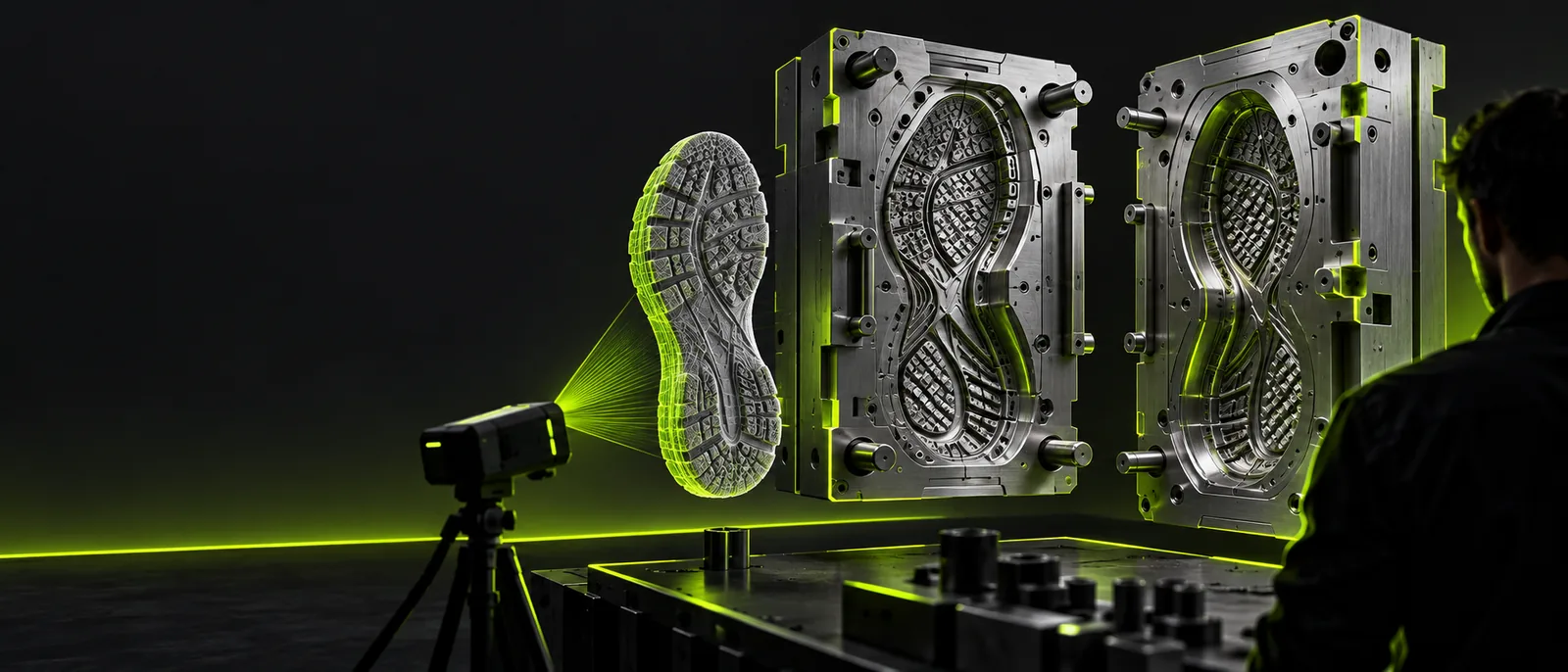
These guides help separate file preparation from mold design before you commit to a particular route.
Set expectations before testing a free route. These issues cannot be resolved merely by choosing an online starting point.
The linked studio's available controls and output formats must be checked there; this page cannot confirm that it accepts a GLB or exports fabrication-ready mold halves.
What to do instead
Inspect the tool's current import and export options before making it part of your production process.
A GLB may contain open surfaces, overlapping meshes, or decorative details that are unsuitable for a physical cavity.
What to do instead
Inspect the mesh and repair defects in a suitable 3D editor before planning the mold.
A free search result does not establish the linked service's current terms or cover printing, machining, silicone, or test casts.
What to do instead
Check current service terms and budget separately for material and fabrication.
Use a small, rounded object as a test. The goal is a defensible mold plan, not an assumed one-click conversion.
Open the GLB in a viewer or editor. Confirm its scale, find disconnected pieces, and decide which details must survive casting. A good-looking render can still hide holes in the surface.
For a rounded pendant, mark a possible parting line around its widest profile. Consider undercuts, alignment features, a pour opening, and a path for trapped air before building either mold half.
Explore the linked studio for relevant design capabilities, then verify any resulting geometry in the software used for fabrication. Check wall thickness, clearances, and how the cast part will be removed.
Compare the source concept with a mold reference rather than assuming an image demonstrates a working conversion.
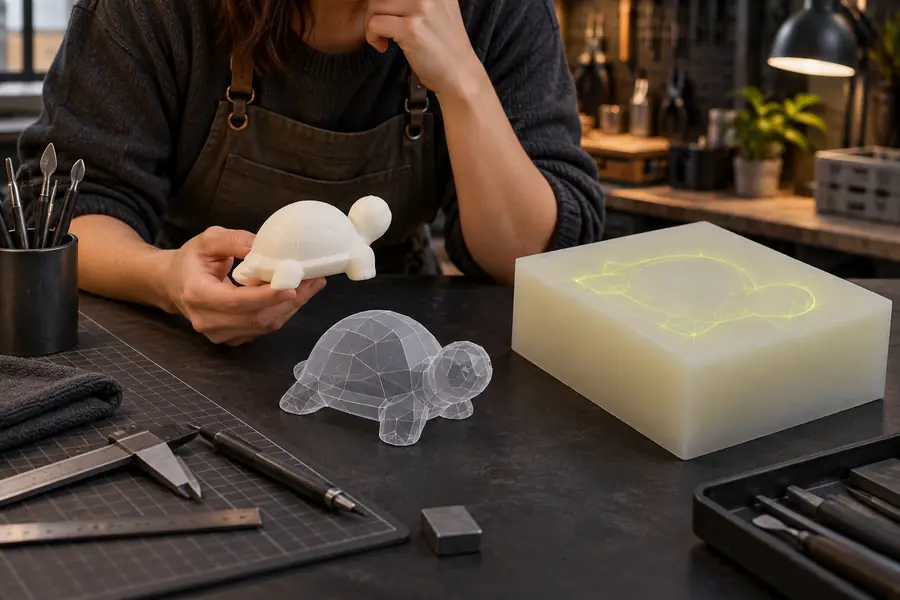
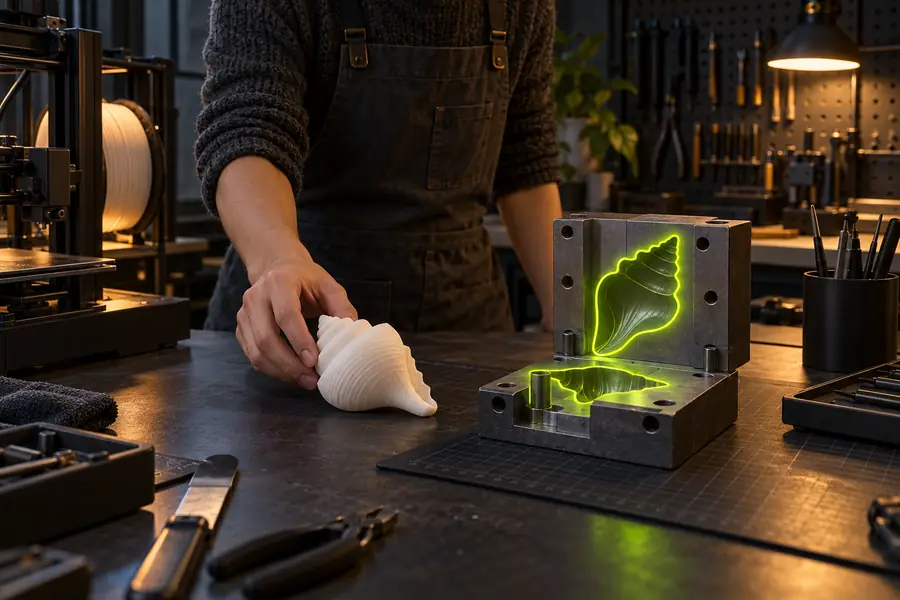
Illustrations show different stages of thinking, not a verified before-and-after result or a downloadable mold.
Source conceptMold referenceDifferent starting problems call for different checks. Choose the guide that addresses the obstacle you actually have.
The source opens, but its surfaces or separate objects need inspection before a cavity can be planned.
Prepare the model in an editor first; changing tools will not repair missing geometry by itself.
The model is confidential, and uploading it is a bigger concern than selecting a parting line.
Review data-handling information before using an online service; do not infer privacy terms from a search result.
A browser workflow lacks a control needed to inspect, split, or revise the geometry.
Compare a local editing route instead of assuming another online page offers the missing operation.
Glbtomold links to an external industrial studio for exploring your next step. Check its current tools, terms, and supported files there. Before fabricating any mold, validate the geometry and test the proposed release path with the material you intend to cast.
You can inspect a GLB and plan a mold using tools whose current terms permit it. That does not mean every online service offers cost-free mold generation, export, or fabrication. Check the linked service's terms before relying on it.
No. A format conversion changes how geometry is stored; a mold also needs a workable split, appropriate clearances, and a way to release the part. Inspect and test those features separately.
Check scale, surface continuity, separate objects, and details that could trap a casting. If the mesh is open or intersects itself, repair it before treating it as a reliable basis for mold design.
A preview can help you spot visible shape problems, but it cannot establish material behavior or prove that the part will release. Verify the final geometry and make a test when the fabrication process requires one.