Glbtomold
Add Model
English

3D file basics

What Is a GLB File, and What Is Inside It?

If you are asking what is a GLB file, think of it as a single binary package for a 3D scene. It can carry a model's geometry, materials and other scene data together, but it is not automatically a mold-ready design.

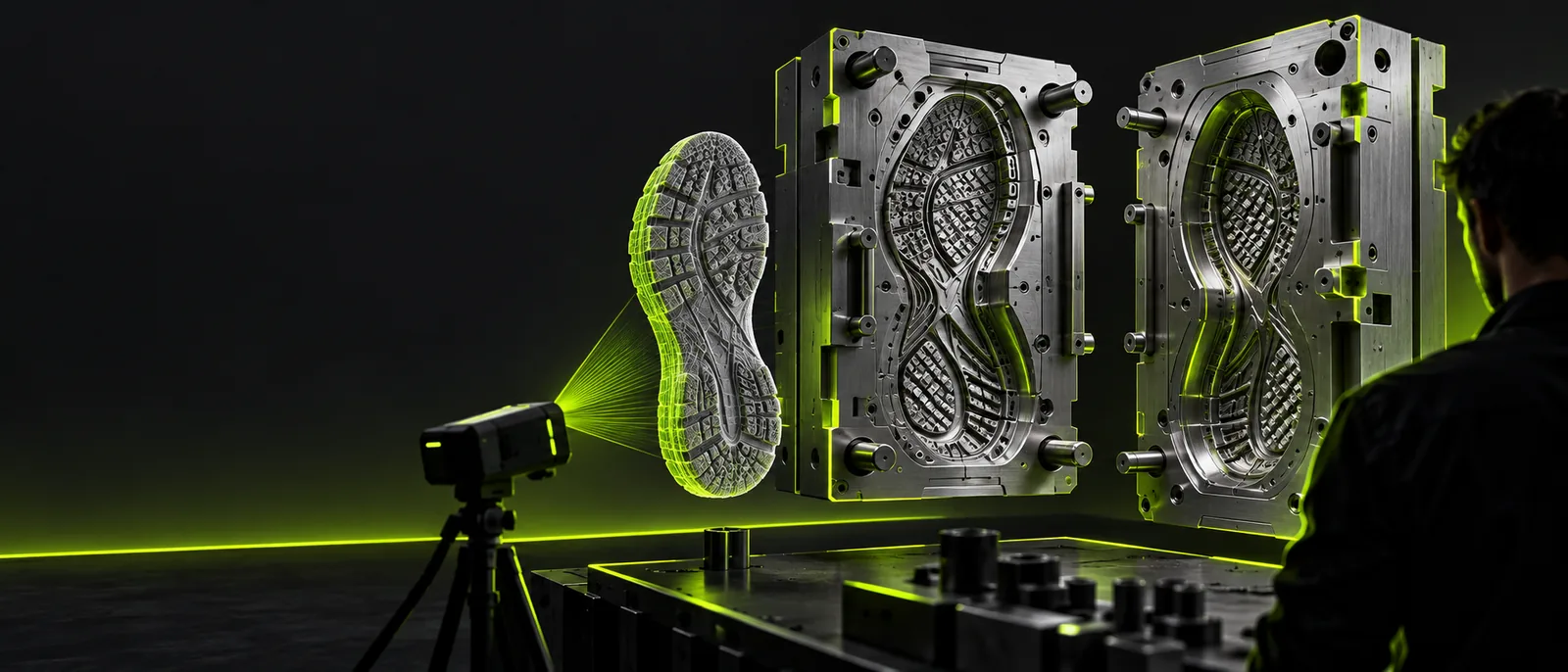
3D model and mold imagery

A GLB file in one line

A GLB is the binary form of glTF: one file that can bundle the data needed to display a 3D scene.

3D artists

An artist receives a model with its visible surface appearance packaged for review. The GLB is convenient to share, though the artist may still need an editor to change the geometry.

To inspect or revise the scene in a familiar modeling workspace, follow the Blender import steps.
how to import glb files into blender

Print makers

A maker has a GLB but needs to evaluate its shape for a fabrication workflow. Appearance data alone will not resolve open edges or thin walls.

The STL format guide explains why a mesh export and a geometry check are separate tasks.

glb to stl

Asset collaborators

A team needs to move a mesh into software that expects a different interchange format. They should check which materials and scene details survive the change.

The OBJ guide helps distinguish a format change from an improvement to the model itself.

glb to obj

Mold designers

A designer starts with a decorative GLB and wants to investigate it as a possible mold reference. A renderable surface is useful, but does not supply a parting line or release plan.

The mold overview covers the additional design decisions to make before fabrication.

glb to mold online

How a GLB file works

The container brings scene information together so compatible software can read it without chasing a collection of separate asset files.

  1. 1

    Store the scene

    A GLB can hold mesh geometry, node relationships, cameras and animation data when those elements are present. Not every GLB includes every type of scene data.

  2. 2

    Bundle visual assets

    Textures and material information can travel inside the same binary file. That makes the asset easier to hand off, although its appearance still depends on how the receiving application interprets it.

  3. 3

    Read and inspect

    A compatible viewer or 3D editor reads the file and reconstructs the scene for display. Before using the model for physical production, inspect its geometry rather than relying on the preview.

From a viewable model to a mold concept

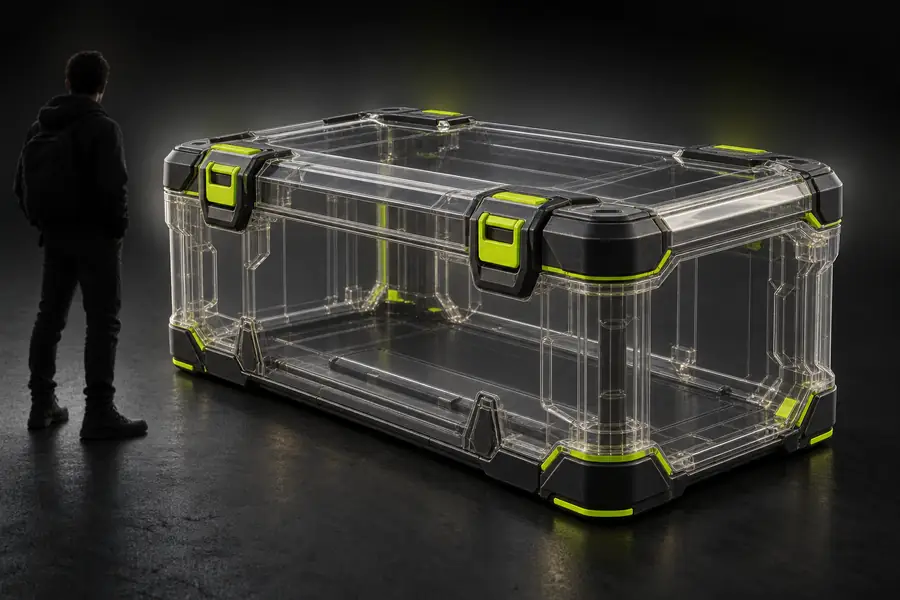
Illustration representing a GLB model viewed as a 3D asset
GLB asset
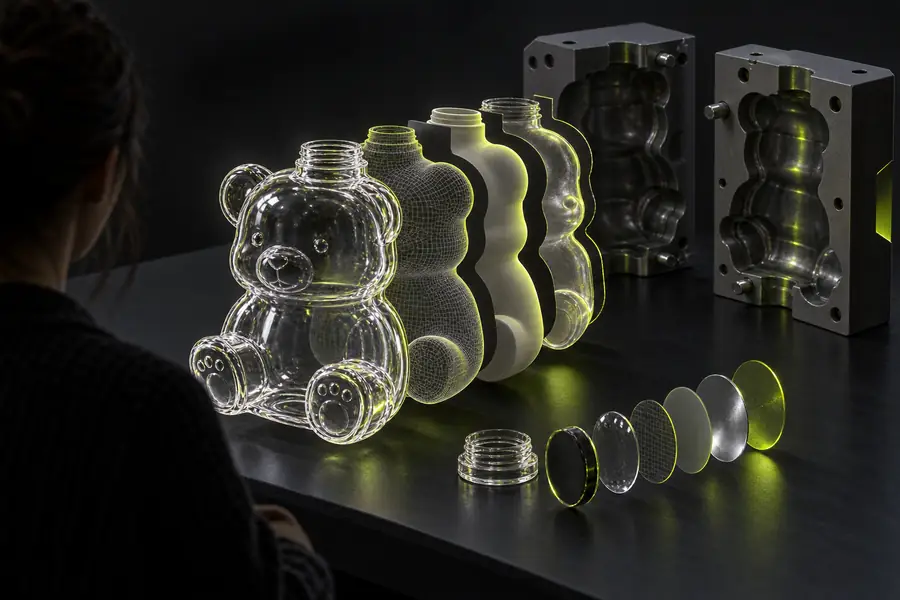
Illustration representing a mold concept developed from a 3D model
Mold concept

These images illustrate different stages, not an automatic conversion result. A mold also needs decisions about cavity shape, parting, release and the intended manufacturing method.

GLB assetMold concept

Limits of a GLB file

A well-displayed model can still need substantial work before anyone uses it to make a physical object.

1

It does not guarantee a closed mesh

A GLB may contain holes, overlapping surfaces or disconnected pieces. A viewer can display those surfaces without confirming that they enclose a usable solid.

What to do instead

Inspect the mesh in a 3D editor and repair geometry where the intended process requires a closed shape.

2

It does not define a mold

The file may show the desired part, but it does not inherently specify the mold halves, parting line, draft or allowances needed to release that part.

What to do instead

Plan the mold around the object's shape, material and manufacturing method.

3

It does not preserve every editing feature

A GLB generally carries scene data for exchange, not the full construction history of the software that created it. An imported object may therefore be harder to revise than its original project.

What to do instead

Keep the source project when possible, and check imported objects before making changes.

Who uses GLB files

Artists, asset teams and makers use GLB files to exchange and inspect 3D scenes. If your next goal is a mold concept, Glbtomold can point you toward an industrial 3D workspace. Treat the source model as a starting reference, then verify geometry and fabrication requirements separately.

Explore a model as a mold reference

  • Start with the intended part shape
  • Check geometry before fabrication
  • Plan release and parting deliberately
Explore mold concepts

GLB format FAQ

GLB is the binary file format for glTF 3D scenes. It can package geometry, materials, textures and other supported scene data into one file, making an asset convenient to exchange and display.

GLB refers to binary glTF. The extension identifies the single-file binary representation rather than a separate kind of 3D geometry.

Both use the glTF standard. A .gltf file is a JSON description that may refer to separate binary and image resources, while a .glb file packages the scene in a binary container.

No. GLB describes how 3D scene data is stored, not whether the geometry meets manufacturing requirements. Check the mesh and design the cavity, parting and release strategy for the process you intend to use.

Add Model
Add Model